
This collection is curated by the Tech Cyber News Team, a group of tech writers publishing news, guides and reviews about technology and cybersecurity. Our team verifies every story and checks every step before publishing, so you can stay safe and informed online.
If you have ever wondered what is a VPN, you are not alone. VPNs have gone from a tool used mainly by IT departments to something advertised on almost every podcast and video you watch. The ads promise privacy, security, freedom and faster streaming, all at once. Some of that is true. Some of it is not. This guide explains VPNs in plain English, without jargon and without the sales pitch. By the end you will know what a VPN does, what it does not do, who actually needs one, and how to pick a good one if you decide to get one.
What Is a VPN and How Does It Work
A VPN, short for virtual private network, is a service that encrypts your internet traffic and routes it through a server run by the VPN provider. In normal browsing, your device connects to the internet through your internet service provider, usually called your ISP, and your ISP can see which websites you visit. Websites can also see your real IP address, which is a number that identifies your connection and roughly reveals your location.
When you switch on a VPN, two things change. First, your traffic is encrypted before it leaves your device, so anyone watching the connection between you and the VPN server sees scrambled data, not the contents of what you are doing. Second, your traffic exits onto the internet from the VPN server, so websites see the server’s IP address instead of yours. Your ISP can tell that you are connected to a VPN server, but it cannot see which sites you visit or what you do on them.
The word virtual is there because no physical private cable is involved. The VPN creates a private tunnel through the public internet using software. Think of it like sending a letter inside a sealed envelope inside another envelope. The outer envelope is addressed to the VPN server, and only the VPN server opens it to find the real letter inside. Anyone who intercepts the package in transit sees only the outer envelope.
Reputable VPN services use strong encryption to protect that tunnel. The most common standard is AES-256, the same encryption standard used by banks and government agencies for sensitive data. The VPN protocol decides how the tunnel is set up and maintained. The main protocols you will see today are WireGuard, OpenVPN and IKEv2. WireGuard is the modern standard for most people. Its code is roughly 4,000 lines long, compared with more than 100,000 lines for OpenVPN, which means there is less room for bugs and it is easier for independent experts to audit. OpenVPN has been the privacy benchmark for over a decade, is open source, and is very good at getting through strict firewalls. IKEv2 is common on mobile devices because it reconnects quickly when you switch between Wi-Fi and mobile data. For a fuller explanation of how the tunnel and the encryption work, this guide to how VPNs work is a useful read, and this step by step explanation of VPN mechanics goes deeper into the packet level detail.
How a VPN Works, Step by Step
You do not need to understand the cryptography to use a VPN, but knowing the basic steps helps you understand what is actually protected and what is not. Here is what happens every time you connect.
Step 1: The handshake
Your VPN app and the VPN server introduce themselves and agree on the rules for the session. They use asymmetric encryption for this step, which works a bit like a padlock that anyone can close but only the owner can open. The two sides exchange public keys and agree on a shared secret key without ever sending that key across the internet in readable form.
Step 2: The encrypted tunnel is created
Once the handshake is done, the VPN creates a virtual network interface on your device. Your operating system starts routing your internet traffic through it. Every packet of data is encrypted with the shared key and wrapped inside a new outer packet addressed to the VPN server. This wrapping is called encapsulation, and it is the tunnel you hear about. Your ISP, the coffee shop Wi-Fi owner, and anyone else watching the local network can see only encrypted traffic going to one destination, the VPN server.
Step 3: The server forwards your traffic
The VPN server receives the packet, strips off the outer layer, decrypts the contents, and sends your request on to its real destination, such as a website or a streaming service. The website sees the request coming from the VPN server’s IP address, not yours. When the website replies, the response travels back to the VPN server, which encrypts it and sends it down the tunnel to your device. Your VPN app decrypts it, and the page loads as normal.
Step 4: The kill switch watches for problems
Good VPN apps include a kill switch. If the VPN connection drops for any reason, the kill switch blocks your device from sending traffic over the open internet until the tunnel is restored. Without a kill switch, a dropped connection can quietly expose your real IP address while you think you are still protected. Always check that the kill switch is switched on.

What a VPN Actually Protects
A VPN is a real privacy tool, but it helps in specific situations. Here is what it genuinely does for you.
It hides your browsing from your internet provider. Your ISP normally logs the domains you visit. With a VPN, your ISP sees only encrypted traffic to the VPN server. That matters if you do not want your provider building a profile of your browsing, or if you are on a network run by someone you do not fully trust.
It protects you on public Wi-Fi. Airport lounges, hotel networks, cafes and train Wi-Fi are the classic danger zones. On an open or poorly secured network, other people on the same network may be able to intercept unencrypted traffic or set up fake hotspots. A VPN encrypts your traffic before it touches the network, so that risk drops sharply. If you want more on the wider topic of staying safe on shared networks, our guide to the best VPNs of 2026 covers services that perform well on public Wi-Fi.
It hides your IP address from websites. Websites, advertisers and trackers use your IP address to work out your location and to link your visits together. A VPN replaces your address with the server’s address, which makes that kind of tracking harder. Note that it does not stop tracking by cookies or by being logged into an account, so it is only one layer.
It lets you appear to be in another location. Because your traffic exits from the VPN server, you can choose a server in another country and access content that is only available there. This is one of the most popular reasons people buy a VPN, and it is also the reason some streaming services actively block known VPN servers.
It can help against targeted throttling and censorship. Some networks slow down certain types of traffic, such as video streaming. A VPN makes it harder for the network to see what kind of traffic you are sending. In countries that restrict access to parts of the internet, a VPN can sometimes provide a way around those blocks, though this carries legal risks and VPN use itself may be restricted in some places.
What a VPN Does Not Do
This is the part the adverts usually skip. A VPN is not a magic shield, and believing it is can leave you less safe than you were before.
A VPN does not make you anonymous. Your VPN provider can see your traffic in the same way your ISP could before. You have simply moved your trust from one company to another. If the provider keeps logs, those logs can identify you. It also does not hide you from Google, Facebook or any other service you are logged into. They know who you are because you signed in.
A VPN does not protect you from malware. If you download a malicious file or click a phishing link, the VPN will happily encrypt the malware on its way to your device. Some VPN services include basic malware blocking or ad blocking, but that is an extra feature, not the core job of a VPN. You still need antivirus software and good habits. Breaches like the DigiCert data breach are a reminder that stolen data usually comes from a compromised service, not from someone watching your connection, and a VPN cannot prevent that.
A VPN does not protect data you hand over yourself. If you type your password into a fake website, post personal details on social media, or grant an app access to your contacts, the VPN cannot undo that. It protects data in transit, not data you choose to share.
A VPN does not guarantee faster internet. In fact, a VPN usually slows your connection slightly, because encryption takes time and your traffic travels further through the VPN server. A good provider on a nearby server may slow you by only a few percent, which you will never notice. A bad provider or a distant server can cut your speed in half or worse.
A VPN does not make illegal activity legal. Downloading copyrighted material without permission, for example, is still against the law with a VPN switched on. The VPN only makes it harder for others to see what you are doing. It does not change the law.
VPN vs No VPN: What Changes
| What can be seen | Without a VPN | With a VPN |
|---|---|---|
| Your ISP | Sees the websites you visit | Sees only encrypted traffic to the VPN server |
| Websites you visit | See your real IP address and location | See the VPN server’s IP address and location |
| People on public Wi-Fi | May intercept unencrypted traffic | See only encrypted data |
| Your location | Revealed by your IP address | Appears to be the VPN server’s location |
| Your identity when logged in | Known to the service | Still known to the service |
| Malware and phishing | Not blocked | Still not blocked by the VPN itself |
| Connection speed | Full speed | Slightly slower, usually by a small amount |
Who Really Needs a VPN
Not everyone needs a VPN, and honest advice says so. Here is how to work out whether you are someone who does.
People who use public Wi-Fi often
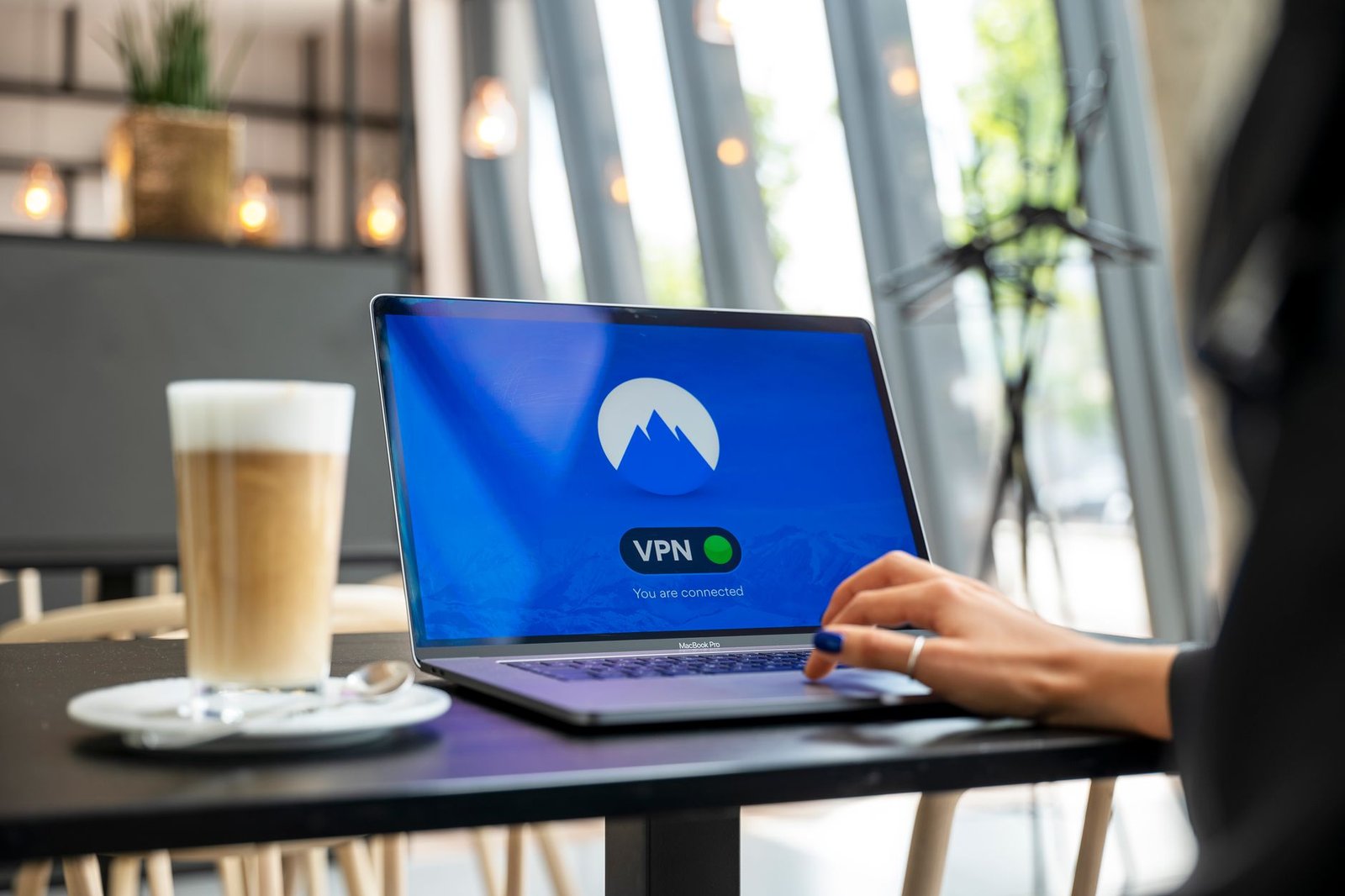
If you work from cafes, travel regularly, or spend time in hotels and airports, a VPN is genuinely useful. These are the networks where your traffic is most exposed, and a VPN removes most of that risk in one step. This is the clearest case for getting one.
Travellers
Travellers benefit twice over. A VPN protects you on unfamiliar networks, and it lets you access services from home that may be blocked or limited abroad, such as your bank’s website or your usual streaming catalogue. If you travel to a country with heavy internet restrictions, check the local rules before you go, because VPN use may be limited there.

Remote workers
If you work from home or from shared offices, your employer may already provide a VPN. That is a different kind of VPN, a corporate one that connects you to the office network. If your employer does not provide one and you handle sensitive work on shared networks, a personal VPN is worth considering. Never use a personal VPN to bypass your employer’s security rules.
Streamers and sports fans
If you want to watch shows or matches that are only available in another country, a VPN is the usual way people do it. Be aware that streaming services fight back by blocking VPN servers, so a VPN that works for streaming today may not work next month. Check whether the service you want supports streaming, and do not pay for a long subscription on that promise alone.
Journalists, activists and researchers
People who handle sensitive information or work in places where their browsing could put them at risk have the strongest case for a VPN, usually combined with other tools such as the Tor browser and secure messaging. For this group, a VPN is one layer among several, not a complete solution on its own.
Most people at home
If you mostly browse from your home Wi-Fi, use HTTPS websites, and do not do anything sensitive on public networks, a VPN adds less value. Your home connection is already reasonably private from strangers, though your ISP can still see your browsing. A VPN is still useful for the privacy minded, but it is not essential for everyone. If money is tight, a password manager and two factor authentication will protect you far more than a VPN will.
Free vs Paid VPNs
Free VPNs exist, and some of them are honest products. Proton VPN, for example, offers a well regarded free tier from a company with a strong privacy record. But most free VPNs have to make money somehow, and the usual ways are worrying: showing ads, selling browsing data, or limiting you so heavily that you upgrade. A VPN provider that sells your data is worse than no VPN at all, because you have handed it everything your ISP used to see, plus your trust.
| Feature | Free VPNs | Paid VPNs |
|---|---|---|
| Price | Free, often with limits | Usually a few dollars a month on a longer plan |
| Speed and data | Often capped or throttled | Usually unlimited, with fast servers |
| Server choice | Few countries, crowded servers | Dozens of countries, many servers |
| Streaming support | Rarely works | Often works, but not guaranteed |
| Privacy risk | Higher, some sell data or show ads | Lower with a reputable no logs provider |
| Support | Basic or none | Live chat and help guides |
As a rule, if a free VPN has no clear business model and no independent audit, do not trust it with your traffic. A paid VPN from a reputable provider, chosen carefully, is the safer bet for most people. Our roundup of the best VPNs of 2026 compares the leading paid options in detail.
How to Choose a VPN
Choosing a VPN is mostly about trust, because the provider can see your traffic. Here is what to look for, in order of importance.
First, check the logging policy. A good provider has a strict no logs policy, which means it does not record your browsing activity, your IP address, or connection timestamps. Look for providers whose no logs claims have been checked by an independent audit, not just claimed on a marketing page. An audit is not a guarantee, but it is much better than a bare promise.
Second, look at the jurisdiction. A provider based in a country with strong privacy laws and outside the major intelligence sharing alliances is generally preferable. This is a secondary point, and a good logging policy matters more than the headquarters address, but it is worth knowing where your provider is legally based.
Third, check the security basics. The provider should support modern protocols such as WireGuard or OpenVPN, use AES-256 or ChaCha20 encryption, and include a kill switch in its apps. It should also protect against DNS leaks, which is when your device asks a DNS server for a website address outside the encrypted tunnel. Many providers have a leak test on their website, or you can check with an independent DNS leak test tool.
Fourth, consider speed and servers. A provider with many servers in many countries gives you more choice and less crowding. Look for recent, independent speed tests rather than the provider’s own claims. If you plan to stream, check that the provider supports the services you use, and remember that streaming support can change without notice.
Fifth, check the apps. The VPN should have well maintained apps for every device you use, including your phone, laptop and tablet. A clunky app that you never open is useless. The app should make it easy to switch servers, switch on the kill switch, and see whether you are connected.
Sixth, look at the price and the refund policy. Most paid VPNs cost a few dollars a month when you pay for a year or two upfront, and much more if you pay monthly. Be wary of lifetime deals and extremely cheap offers, which often come from providers cutting corners. A 30 day money back guarantee is standard, and it gives you a chance to test the service properly.
Finally, read independent reviews. Look for reviews from security researchers and privacy focused publications, not just roundups that repeat the same marketing claims. Check whether the provider has had any security incidents and, more importantly, how it handled them. A provider that discloses a problem quickly and fixes it openly is more trustworthy than one that hides problems.
How to Set Up a VPN
Setting up a VPN takes about ten minutes. The steps are similar for almost every provider.
First, choose your provider and create an account. Use a strong, unique password and turn on two factor authentication for the VPN account itself if the provider offers it.
Second, download the app only from the provider’s official website or your device’s official app store. Never download a VPN app from a random link or a third party site, because fake VPN apps are a common way to spread malware.
Third, install the app and sign in. The app will ask permission to set up a VPN connection on your device. This is normal. It is creating the virtual network interface described earlier.
Fourth, open the settings and switch on the kill switch. This is the single most important setting. Also choose your protocol if the app lets you. WireGuard is a good default for most people, and OpenVPN is a solid alternative if WireGuard is blocked on your network.
Fifth, pick a server. For everyday privacy and the best speed, choose a server in your own country or a nearby one. For streaming or accessing content from another country, choose a server in that country. Connect, and check that your IP address has changed by visiting an IP checker website before and after connecting.
Sixth, test for leaks. Use a DNS leak test to confirm that your DNS requests go through the VPN tunnel. If you find a leak, check the app settings or contact support, because a leaking VPN is not doing its job.
Once it is set up, make the VPN a habit. It only protects you when it is switched on, so enable the option to connect automatically on untrusted networks if your app offers it. Most good apps also let you set the VPN to start automatically when your device boots.
Common VPN Myths
Myth 1: A VPN makes you completely anonymous
It does not. A VPN hides your IP address and encrypts your traffic, but your VPN provider can see your activity, and any service you log into knows who you are. True anonymity needs a combination of tools and careful behaviour, and even then it is hard to achieve.
Myth 2: A VPN protects you from all hackers
It protects you from some attacks, mainly eavesdropping on your network traffic. It does nothing against phishing emails, malicious downloads, weak passwords, or a data breach at a service you use. Security is made of layers, and a VPN is only one of them.
Myth 3: Free VPNs are just as good as paid ones
Some free VPNs are decent, but most are limited in speed, servers and features, and some fund themselves by selling user data. A free VPN from a provider with a trusted paid product is very different from a random free VPN with no clear business model.
Myth 4: You only need a VPN for illegal activity
This is the most harmful myth of all. Journalists, travellers, remote workers and ordinary people who value their privacy all have legitimate reasons to use a VPN. Wanting privacy is not suspicious, and using a VPN is legal in most countries.
Myth 5: A VPN always slows your internet to a crawl
A VPN adds some overhead, but with a good provider and a nearby server the difference is usually small, often under ten percent. If your VPN is dramatically slower, try a different server or a different protocol before blaming the VPN itself.
FAQs
What is a VPN in simple terms?
A VPN, or virtual private network, is a service that encrypts your internet traffic and sends it through a server run by the VPN provider. It hides your browsing from your internet provider, hides your real IP address from websites, and protects your traffic on public Wi-Fi.
Is using a VPN legal?
Yes, using a VPN is legal in most countries, including the United States, the United Kingdom, Canada, Australia and most of Europe. A small number of countries restrict or ban VPN use, so check the law before travelling with one.
Does a VPN slow down my internet?
Yes, slightly. Encryption takes time, and your traffic travels further through the VPN server. With a good provider and a nearby server, the slowdown is usually small and hard to notice. A distant server or a crowded free VPN can be much slower.
Can I be tracked while using a VPN?
Yes. A VPN hides your IP address, but it does not stop tracking by cookies, browser fingerprinting, or services you are logged into. Your VPN provider can also see your activity. For stronger privacy, combine a VPN with a privacy focused browser, tracker blocking, and careful account habits.
Are free VPNs safe?
Some are, but many are not. A free VPN from a reputable company with a paid product and an independent audit can be safe. A random free VPN with no clear business model may sell your browsing data or show ads, which defeats the purpose. Always research a free VPN before installing it.
Do I need a VPN at home?
It depends. At home, your connection is already private from strangers, so a VPN is less essential than on public Wi-Fi. It is still useful if you want to stop your internet provider from seeing your browsing, access content from another country, or add a layer of privacy to your connection.
What is the best VPN protocol?
For most people, WireGuard is the best choice. It is fast, modern, and easy to audit. OpenVPN is a strong alternative with a long track record, and it is better at getting through strict firewalls. IKEv2 is a good choice on mobile devices because it reconnects quickly when you switch networks.
What is a VPN kill switch?
A kill switch is a safety feature that blocks all internet traffic if the VPN connection drops. Without it, your device would quietly send traffic over the open internet, exposing your real IP address. Always switch the kill switch on in your VPN app settings.
Can a VPN unblock streaming services?
Often, yes, but not always. Many streaming services block known VPN server addresses, so a VPN that works for one service today may stop working tomorrow. Some VPN providers maintain special streaming servers. Check the provider’s claims and test during the money back guarantee period.
Does a VPN protect me from hackers on public Wi-Fi?
A VPN greatly reduces the risk. It encrypts your traffic before it touches the Wi-Fi network, so someone snooping on the same network cannot read it. It does not protect you if you connect to a fake hotspot that steals your login details through a phishing page, so always verify the network name with staff before joining.
Should I use a VPN on my phone?
Yes, if you use public Wi-Fi or mobile data in places you do not trust. Phones switch networks constantly, which makes them more exposed than a home computer. Choose a VPN with a good mobile app and a kill switch, and let it connect automatically on untrusted networks.
How many devices can I use with one VPN account?
It depends on the provider. Most paid VPNs allow between five and ten devices at the same time, and some allow unlimited devices. Check the limit before you subscribe if you have a household full of phones, laptops and tablets to cover.
#VPN #OnlinePrivacy #InternetSecurity #PublicWiFi #VPNGuide #DigitalPrivacy
This collection is curated by the Tech Cyber News Team, a group of tech writers publishing news, guides and reviews about technology and cybersecurity. Our team verifies every story and checks every step before publishing, so you can stay safe and informed online.
2 Responses